In modern BFSI apps, faster customer onboarding speed has become a major priority, making intelligent document scanning and verification essential from the very first user interaction.
If your app simply needs to generate statements or forms, a PDF library can get the job done. But if you want to read and verify customer documents on the fly, an AI document scanning SDK is often the real game-changer.
In fact, many BFSI mobile apps now rely on intelligent scanning from the very first user interaction.
BFSI Document Workflows and Automation
Financial institutions handle mountains of paper – from loan applications to insurance claims and e-statements.
In today’s data-driven environment, documents remain one of the most critical sources of business information, and the ability to extract, verify, and act on that data directly impacts operational speed, accuracy, and security.
Manual entry is no longer acceptable because it slows onboarding, increases processing errors, and creates inefficiencies across enterprise workflows.
Banks and insurers often tie their mobile apps into workflow automation software, connecting front-end capture to back-end processes. For example, one provider notes that clients use automation to cut KYC and document verification time by 70% while ensuring “100% compliance”. In practice, this means mobile captures (like scans of IDs and bills) feed directly into automated KYC/AML checks and approval routes.
The real question becomes whether to rely on static document tools or intelligent capture systems.
The short answer is, you usually need both – but for intake and onboarding, AI scanning is increasingly indispensable, while PDFs handle structured output workflows.
AI Scanning SDKs: Intelligent Document Capture

Mobile apps are increasingly capture-first. To scan an ID or bill, they use specialized SDKs that combine camera guidance, OCR, and AI. A basic step is often an OCR SDK for mobile apps, which converts an image to text. But in banking use-cases, raw OCR is just the start. These tools need to work reliably on-device and handle everything from dark corner scans to crooked angles.
That’s why modern platforms rely on intelligent scanning and digital capture solutions that:
- Detects edges
- Fixes perspective
- Improves lighting
- Auto-crops images
Once captured, a document scanning SDK for mobile apps classifies documents and extracts structured fields.
This works like a data extraction SDK, pulling:
- Names
- ID numbers
- Dates
- Addresses
Modern systems also use mobile scanning SDK technology for fast, on-device processing, improving both speed and privacy.
Behind the scenes, these AI scanning SDKs tie into larger systems. Captured data often flows into intelligent document processing software on the backend, which applies business rules and cross-document checks.
And the final images and parsed data get stored in a secure document management software system for audit trails. In short, an AI scanning SDK is the front-line for capture and verification, feeding verified data straight into the bank’s automated workflows and archives.
PDF Libraries: Static Document Generation

PDF libraries (like iText, PDFTron, PSPDFKit, etc.) are powerhouse SDKs for creating and manipulating documents.
In BFSI apps, they are used for:
- Statements
- Receipts
- Invoices
- Legal forms
For example, India’s PayNearby used the iText 7 PDF library on its server to generate all customer invoices and receipts. The CTO reports they now produce “4–5 million documents annually” with iText at the core.
These libraries are strong in:
- Layout control
- Digital signatures
- Compliance formatting
They often come with PDF viewing/editing components for mobile: indeed, some apps embed a PDF SDK for mobile apps so users can view or annotate their statements offline. Teams choose these libraries for their maturity and compliance certifications.
However, PDF tools only work when data already exists in a structured form. They do not interpret images, verify live user input, or support intelligent onboarding workflows.
For onboarding, fraud checks, and live verification, PDF libraries alone are not enough because they cannot independently validate customer authenticity or detect document tampering during onboarding processes.
Comparing the Approaches
The table below summarizes the key differences between using a PDF library and an AI scanning SDK in a BFSI mobile app:
| Aspect | PDF Libraries (e.g., iText, PDFTron) | AI Scanning SDKs (e.g, Onfido/Entrust, Microblink) |
| Primary Role | Generate and edit static documents (statements, receipts, forms). | Capture and interpret user documents (IDs, bills, forms). |
| Function | Output-oriented: Lays out text/images you provide. | Input-oriented: Reads camera images & returns structured data. |
| Compliance Support | Limited | Built-in KYC/AML validation |
| Data Extraction | Minimal/OCR add-ons only (pdfOCR). Not for free-form images. | Built-in OCR + AI extraction: fields, tables, handwriting, barcodes. |
| Real-time User Flow | No camera guidance. Serves completed PDFs (viewers for display). | Guides camera (auto-crop, feedback) and processes instantly on-device. |
| Fraud/Integrity Checks | Signatures, encryption for storage (PDF security features). | Document authenticity and liveness checks (fraud signals, deepfake detection). |
| Device vs. Server | Usually, with every side generation, the client can use the viewer. | Typically, on-device processing (edge AI) for speed & privacy. |
| Integration | Embedded in app or backend (requires developer coding PDF templates, forms). | Mobile SDK with plug-and-play capture screens and validation UI. |
| BFSI Use Cases | Statements, invoices, regulatory reports, e-sign forms, and loan docs. | KYC onboarding (ID verification, utility bills), remote deposits, and compliance checks. |
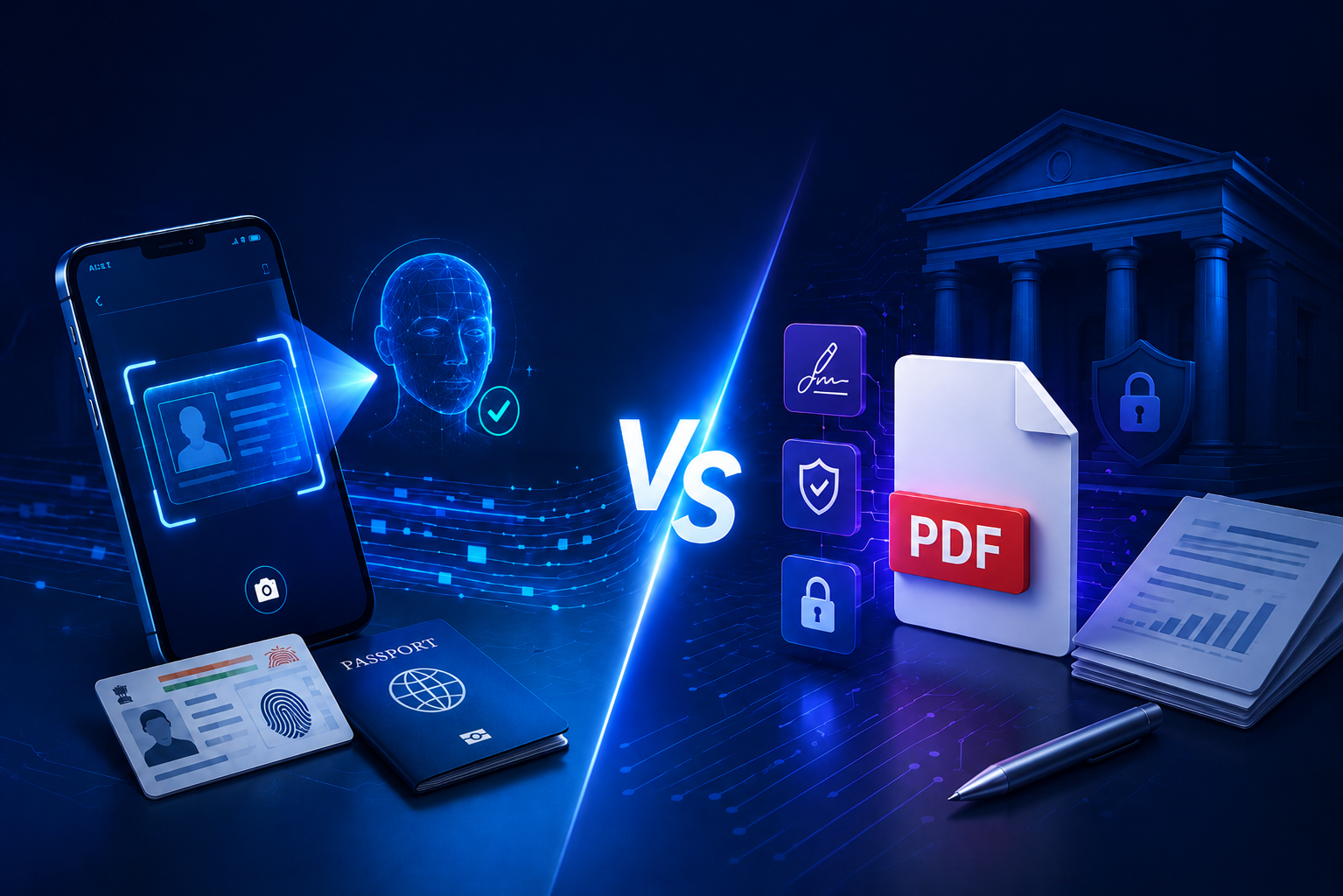
Above all, a PDF library and an AI scanning SDK serve different layers of the document workflow. PDF libraries are essential for formatting and output – they excel when you already have the data and need a polished document. AI scanning SDKs, by contrast, are the engines that pull data into your system from customer-provided images. In banking terms, one builds the paperwork; the other reads the paperwork.
Real-World Applications of AI and Document Technologies in BFSI

BFSI organizations don’t use these tools in isolation—they solve different operational problems.
- Digital KYC onboarding
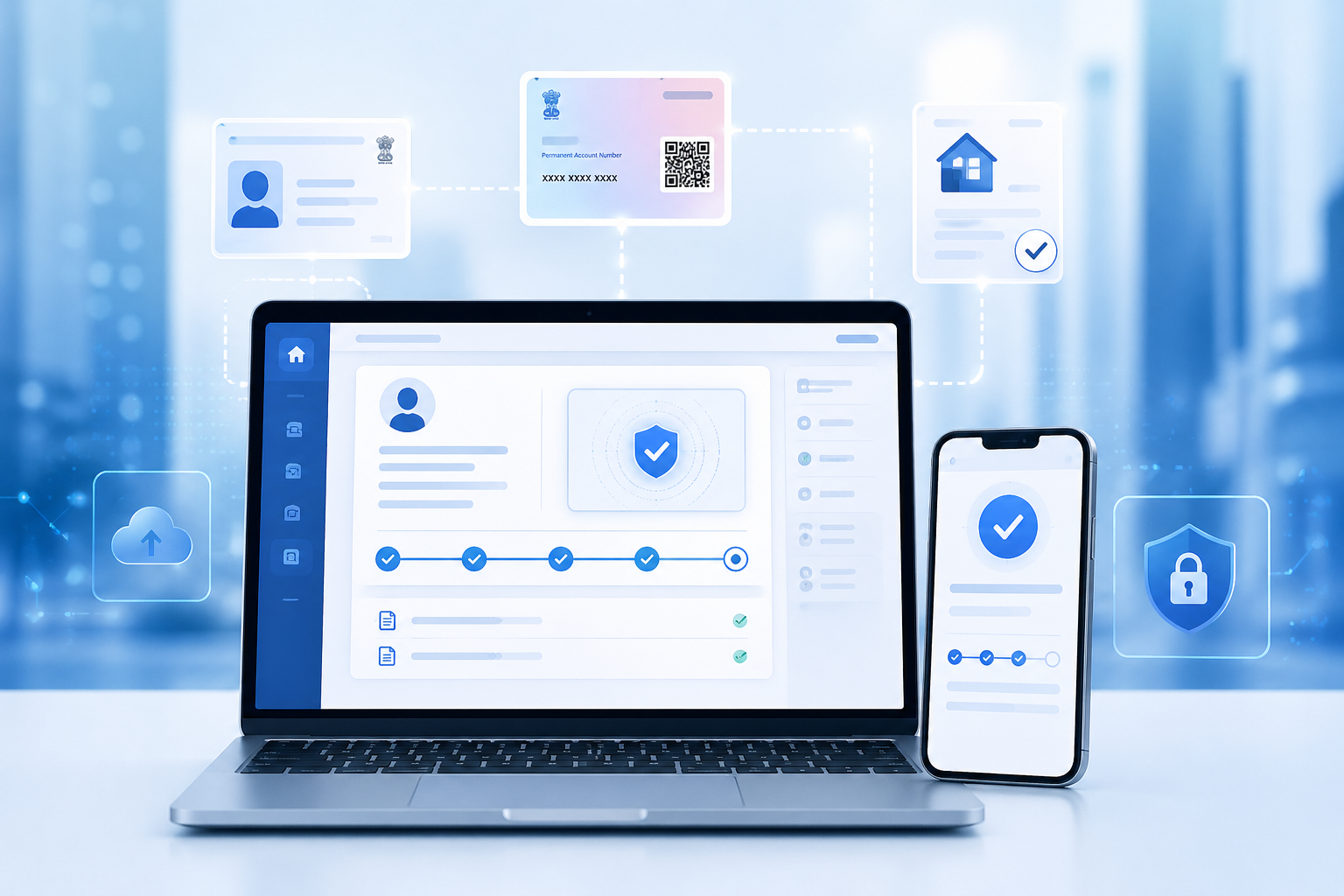
Users upload ID documents, and AI instantly extracts data and verifies identity details. According to the official iText PDF case study, platforms like PayNearby use document technologies for Aadhaar verification, KYC workflows, and faster loan onboarding across India. Extrieve’s SplicerAi supports Aadhaar masking and automated ID extraction natively.
- Loan processing
Salary slips, bank statements, and financial documents are scanned and analyzed automatically to assess customer eligibility, reduce verification delays, and improve lending decisions across BFSI workflows.
- Insurance claims
Receipts, medical records, and claim forms are processed automatically to reduce manual review effort, accelerate settlement timelines, and improve operational efficiency for insurance providers.
- Account opening
Instant document validation and AI-powered verification help banks improve onboarding speed, reduce drop-offs, and increase customer conversion rates across mobile banking applications.
Automate BFSI Document Workflows
Streamline onboarding, verification, and document processing with Extrieve Technologies’ AI-powered solutions.
Explore SplicerAi →How to Choose the Right Tool for BFSI Mobile Apps?
- Start with Your Goal
If your main need is to read and verify user documents, go with AI scanning. If it’s to generate official documents, go with PDF tools. - Use AI for Onboarding
AI scanning is best for KYC and onboarding because it reads IDs, extracts data, and checks authenticity instantly. It also improves onboarding conversion rates by reducing drop-offs during document submission. - Cut Manual Work
It replaces manual data entry, reduces errors, and speeds up verification without adding extra staff while also reducing fraud risk through automated checks. - Use PDF for Final Output
PDF tools are ideal when you need clean, formatted documents like statements, agreements, or reports. - Formatting vs Intelligence
PDF gives structure and layout. AI scanning gives understanding and data extraction. - Real BFSI Setup
Most apps scan documents first using AI, then generate final documents using PDF systems. - Think User Experience
If users need to upload documents, AI scanning makes the process faster, smoother, and more reliable. - Think Compliance
AI helps meet KYC/AML requirements quickly and improves compliance automation, while PDFs help maintain proper records. - Best Approach: Combine Both
Use AI scanning for input and verification, and PDF tools for structured output and storage.
Cost and Performance Perspective
From a business standpoint:
- PDF systems scale well for mass document generation, but they require backend infrastructure, storage management, and ongoing maintenance to support large enterprise workflows efficiently.
- AI scanning systems reduce manual effort, improve onboarding speed, and automate verification workflows, but they require optimized mobile performance and intelligent processing capabilities for real-time results.
For BFSI organizations, the measurable business impact includes reduced onboarding cost, lower manual verification effort, faster customer acquisition, and improved operational efficiency across high-volume customer onboarding processes.
The real value of AI systems lies in reducing operational costs over time while improving speed, accuracy, and customer experience.
How does BFSI Architecture Look Today?

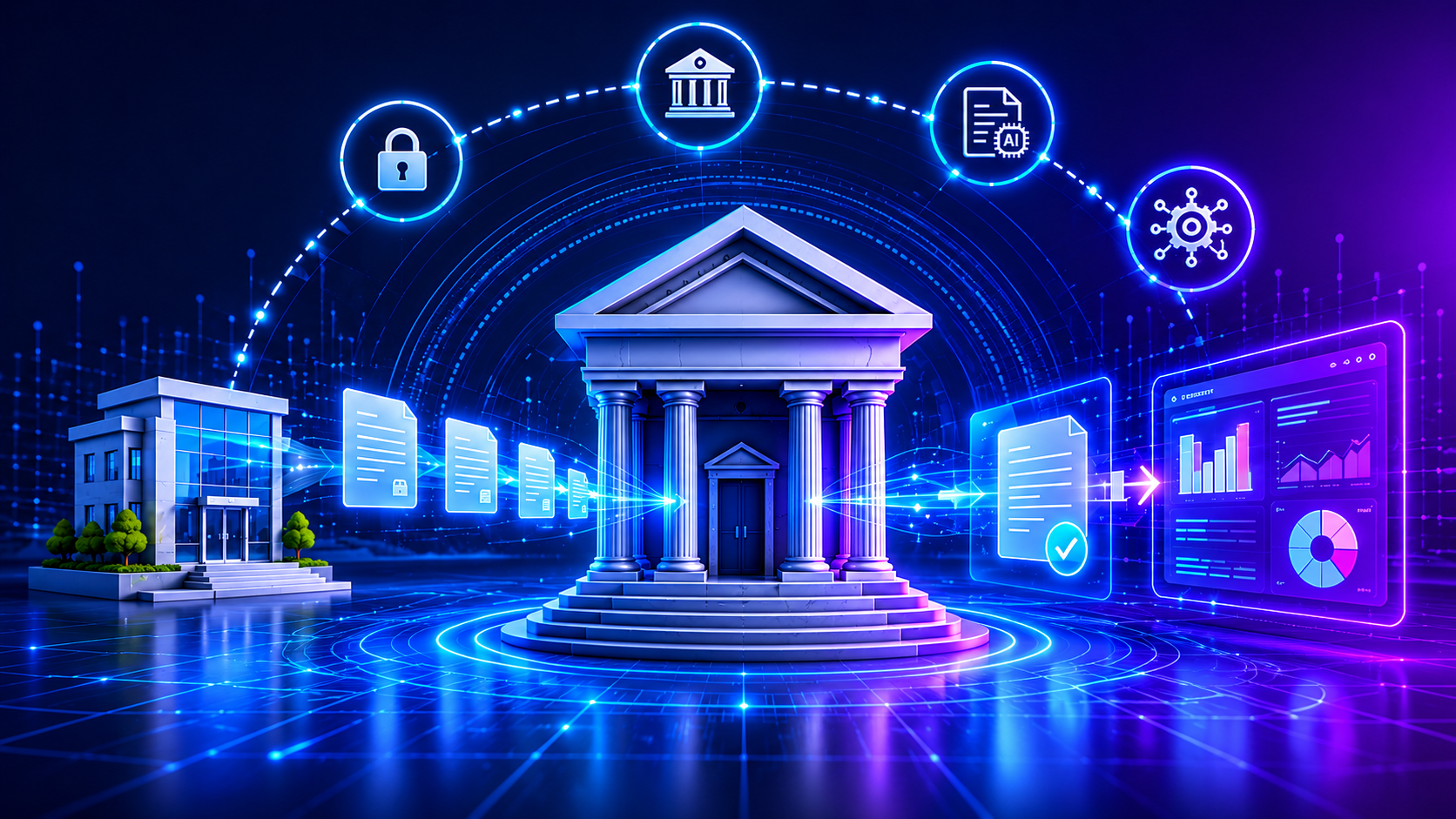
A modern BFSI document workflow is designed in layers, where each component handles a specific role in the document lifecycle:
- Input Layer – Mobile Capture
A mobile document capture SDK handles document input by capturing clear and optimized images. - Extraction Layer – AI Processing
AI scanning SDK extracts key data and validates document authenticity in real time. - Recognition Layer – Text Conversion
OCR SDK for mobile apps supports accurate text recognition from captured documents. - Processing Layer – Backend Systems
Backend systems verify, process, and route the extracted information for further actions. - Output Layer – Document Generation
PDF SDK for mobile apps generates structured and compliant final documents. - Storage Layer – Secure Management
Document management software stores all documents securely for compliance and easy retrieval.
This layered approach ensures full lifecycle automation.
Final Insight: Which One is Better?
PDF libraries and AI scanning SDKs are not direct competitors.
- PDF libraries = document creation and output systems
- AI scanning SDKs = document intelligence and input systems
For BFSI mobile apps, AI scanning improves onboarding conversion rates, reduces fraud risk, and strengthens compliance automation by enabling real-time document verification and intelligent data extraction. It delivers higher impact because it directly improves onboarding, fraud detection, and automation.
Make Your BFSI App Document-Ready for the Future
For modern BFSI mobile apps, the era is moving toward intelligence at the edge. PDF tools remain crucial for creating and storing fixed documents, but an AI document scanning SDK unlocks a new level of automation and security. By combining optical capture, machine learning, and biometrics, scanning SDKs turn a phone’s camera into a rapid compliance engine.
In other words, if you want to streamline onboarding and document-driven workflows on mobile, truly, AI-powered scanning is the better bet. It doesn’t replace PDFs – it feeds them with verified data – but it does make the app dramatically smarter about how it handles customer documents. Explore Extrieve’s full document automation platform to see how BFSI teams are building this architecture today.
Ready to Streamline BFSI Document Processing?
Reduce manual verification, accelerate document processing, and create faster onboarding experiences with Extrieve Technologies.
Book a ConsultationKey Takeaways:
- AI scanning and PDF tools solve different problems in BFSI workflows.
- Use AI scanning for document capture, verification, and onboarding processes.
- Use PDF tools for structured document generation and compliance-ready outputs.
- Combining both technologies creates a complete, end-to-end document workflow system.
- AI-driven automation reduces manual effort, speeds up onboarding, and improves accuracy.
- Mobile-first capture and real-time processing are now essential for modern BFSI apps.
- Intelligent document systems help meet compliance requirements while scaling operations efficiently.
FAQs:
PDF libraries generate and format documents, while AI scanning SDKs capture, read, and extract data from documents.
AI scanning SDKs are better because they automate document verification and reduce manual processing time.
Yes, most BFSI apps use AI scanning for input and verification, and PDF tools for final document generation.
No, OCR only extracts text. BFSI apps need AI for document understanding, validation, and fraud detection.
It enables faster document capture, instant verification, and reduces the need for manual uploads or corrections.
AI scanning SDKs with built-in OCR and identity validation are best for Aadhaar verification in BFSI onboarding flows.
Yes, they can detect document tampering, inconsistencies, and authenticity issues during real-time verification.
Yes, when designed with proper security, encryption, and KYC/AML workflows, they support RBI compliance requirements.
By using AI-based document capture and verification to validate IDs instantly, detect fake documents, and strengthen onboarding checks.