Executive Summary:
Workflow automation is critical for businesses today, yet many projects fail because the tools are too rigid, exceptions are not handled appropriately, and there is insufficient true collaboration between automation and human decision-making.
Extrieve’s smart Workflow Automation platform, PowerFlow, takes a different approach, utilizing Human-in-the-Loop (HIL) automation, AI-powered agents, and workflows that can be fully customized to fit how businesses operate in the real world.
Why Workflow Automation Fails Most of the Time
- Tools are too inflexible and don’t fit everyone.
Most systems include prebuilt flows that do not reflect how organizations operate. You can only make minor changes, and each time you do, you will require technical assistance. The upshot is workarounds, shadow processes, and dissatisfied users. - Not much exception handling.
Automation generally assumes that the input is clean and error-free. However, real-world scenarios are different. In such exceptional cases automation fails. - There is no aid for Human-in-the-Loop (HIL).
Many programs strive to automate everything, yet they overlook the fact that decisions must be made on occasion. People end up tracking manual steps outside of the system.
As a result, visibility is reduced, and compliance is weak.
PowerFlow excels at creating adaptable workflows based on roles.
Key Feature of PowerFlow
- PowerFlowallows businesses to easily set up categories, stages, queues, and field-level data rules and allows configuration modifications to suit business requirements. For example, in a service process, the routing logic may alter depending on the type of service, product, or location, all of which are specified in the master settings.
- Human-in-the-Loop (HIL) by Design
PowerFlow effectively mixes automation and human judgment. By design, the cases will first flow to the standard Ai Agent, and in case of any exceptions, it will get routed to the human who will handle the exception. This data will be fed back to the system and will then be used to optimize the Ai Agent. - Smart Automation with AI Agents
PowerFlow collaborates with AI-powered agents like Ai Reviewer, which understands what’s in a document, obtains the structured data, adheres to business standards, and checks for consistency.
You can customize or set up agents ahead of time, and they will only work in specific workflow queues.
Example Use Case: Ai Reviewer receives an onboarding document, extracts the name, ID, and photo, compares it to a selfie uploaded, and performs rule checks. If they all pass, the lawsuit will move forward. If not, it will move to a queue for human review to handle the failure/exception. - Users can use “My Cases” and “Next Case” modes.
Users can access following modes
“My Cases” view for any jobs that have been allocated to them
“Next Case” to open the next case that is waiting without having to hunt for it.
This improves assembly-line procedures and increases employee productivity. - Full Case Monitoring the lifecycle and audits
Every activity during the case life cycle is recorded like the following
Who did what?
What has changed?
When did the modification occur?
Which queue/stage did it move through?
Result: Complete responsibility and visibility in settings with a lot of rules. - Smooth Integration Throughout the Document Journey
PowerFlow Automation works closely with an integrated ecosystem of closely related product suites from Extrieve.
QuickCapture is used to capture documents on the web and mobile devices.
Splicer AI – helps in sorting and extracting.
PowerFile – is used for storing records and creating rules.
The end result is an all-in-one stack that automates everything.

An example from the real world: KYC Processing Workflow
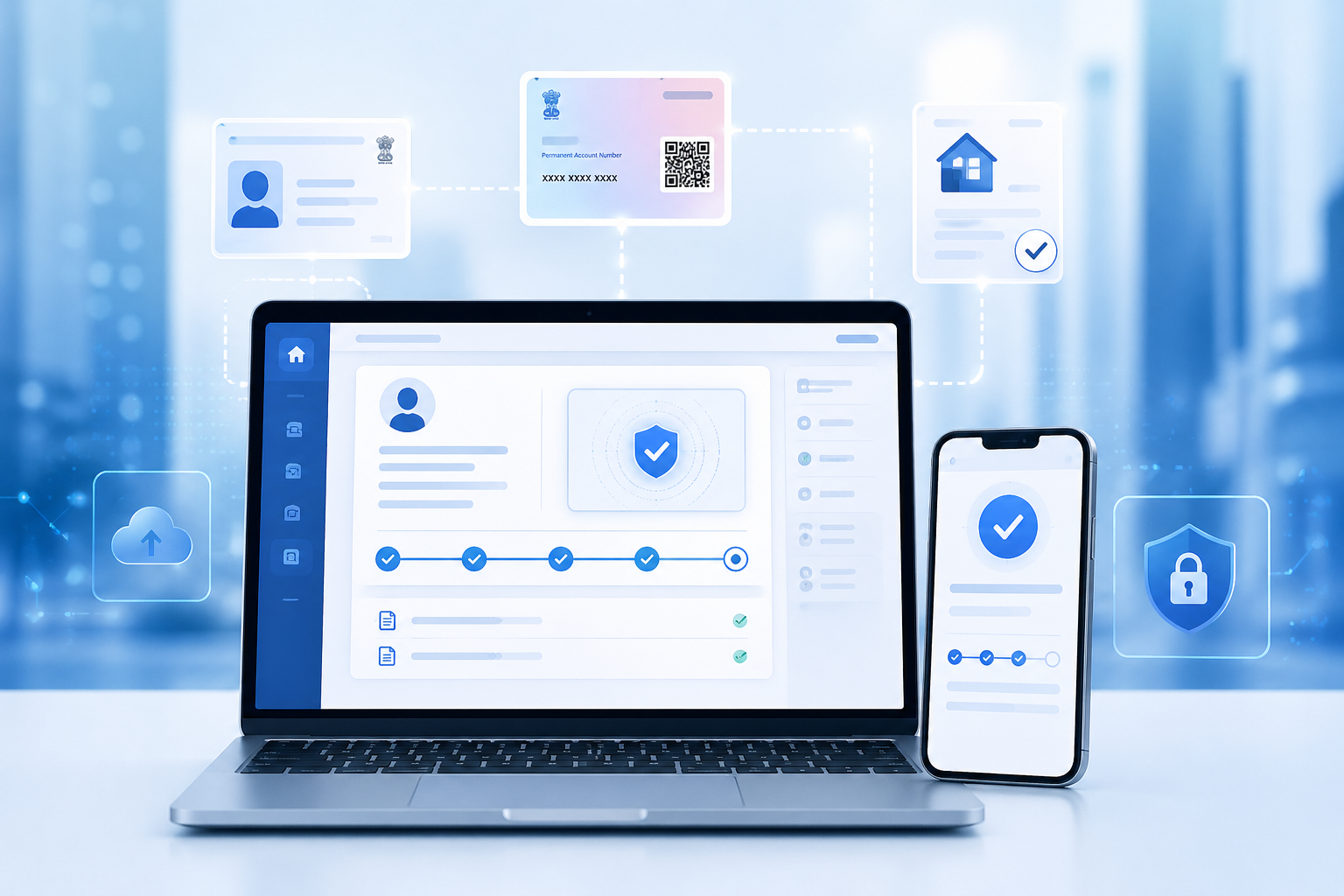
- The consumer uploads documents via the QuickCapture mobile app.
- Ai Reviewer examines the texts and highlights relevant fields.
- Business rules are applied, such as confirming the ID type, matching the photo, and verifying the data.
- Any exceptions are reported to the KYC Operations team.
- The case continues after human intervention and is saved in PowerFile.
Conclusion
PowerFlow combines the flexibility of configurable workflows, the intelligence of AI agents, and the utility of human-in-the-loop processing.
PowerFlow can adapt and expand where and when other automation solutions fail. The goal is not only to complete tasks quickly, but also to accomplish them better as a team.
Are you prepared to change the way you work?
Allow us to demonstrate how PowerFlow may help your business run more smoothly and effectively. [Book a Demo]